Media and design guidelines
Use the Health Reference design direction to create consistent pages, artwork and shared links.
 Calm. Clear. Recognizably ours.
Logo and site icons
The current logo concept is a 1254 × 1254 PNG: a teal V and veterinary staff inside a white circular badge on a navy square.
Preserve its square proportions and internal geometry. Do not stretch, recolor or add shadows. The navy background is part of this raster image; inspect readability at the intended size.
An editable vector logo is not included. The separate paw favicon is available as SVG and ICO, with a 180 × 180 PNG Apple touch icon.



Current browser icons
The paw favicon is a separate small-format asset. The new badge has not replaced it.



Color palette
Use the shared UI colors for text, backgrounds, borders and interactions.
Ink #163440; paper #FFFFFF; accent #087C80; tint #EDF5F7; muted #667983; line #DBE5E9; focus #A64B19.
Keep teal as an accent and preserve visible focus treatment. Generated artwork may contain tonal variation; use the exact tokens for UI elements.
Typography and spacing
Use Arial, Helvetica, sans-serif. Clear hierarchy and comfortable line spacing matter more than decorative type.
The homepage reference uses 42px desktop and 35px mobile headings, with 16px body text at approximately 1.6 line height. Build spacing on the shared 4px rhythm.
Keep article headlines as HTML text. Let headings wrap rather than shrinking them to fit an image or card.
Good guidance.
A little more clarity.
Comfortable text, generous space and a clear next step. Our layout helps people find and understand pet-health information.
Open Graph and social sharing
The shared site layout already uses a 1200 × 630 JPEG of a dog and cat by a bright window as its approved default social image.
For new social artwork, keep essential content within the central 70% of the canvas. If text is needed, typeset it in the design layer after generating the artwork.
1200 × 630 is this project’s preset. Use absolute HTTPS image and canonical URLs, actual image dimensions and MIME type, and descriptive image alt text. Per-article images can override the default when ready.
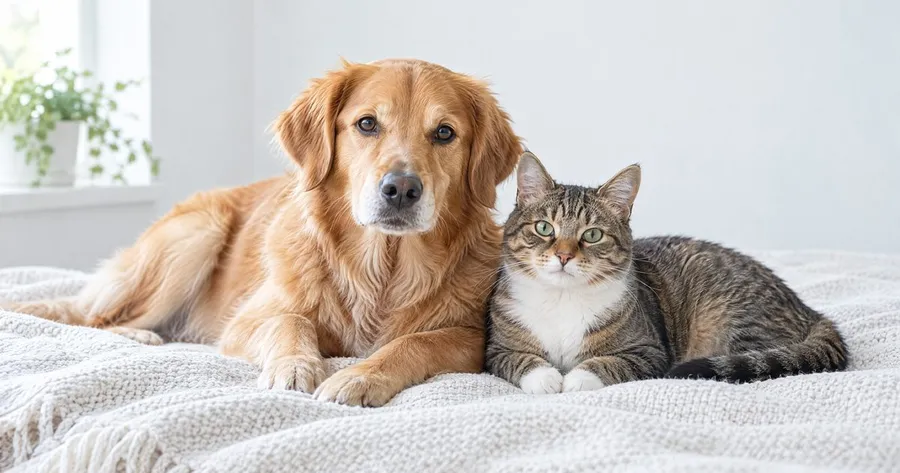
Example link preview. Platforms may crop or display it differently.
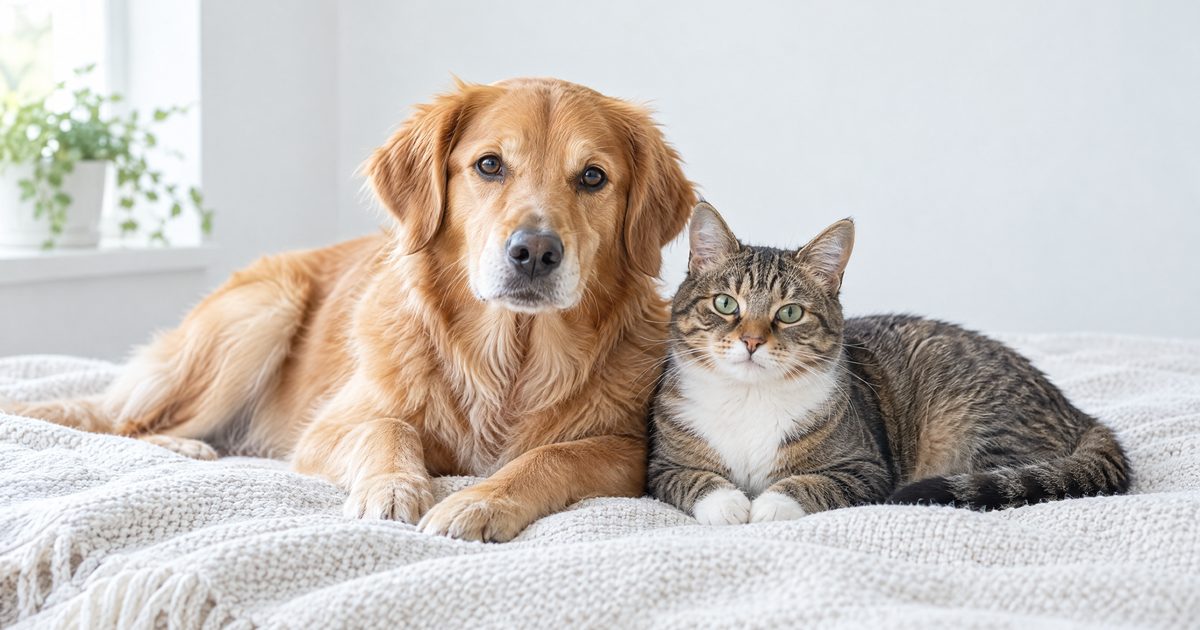
Open Graph & X card markup
Replace the page title, description, URL and image values together. Keep the image alternative specific to the actual image.
<!-- Template: replace page-specific values; use absolute public URLs. -->
<meta property="og:type" content="website">
<meta property="og:site_name" content="Veterinarians.org">
<meta property="og:locale" content="en_US">
<meta property="og:title" content="PAGE TITLE | Veterinarians.org">
<meta property="og:description" content="A concise, accurate page summary.">
<meta property="og:url" content="https://veterinarians.org/PAGE/">
<meta property="og:image" content="https://veterinarians.org/images/social/veterinarians-org-home-share.jpg">
<meta property="og:image:width" content="1200">
<meta property="og:image:height" content="630">
<meta property="og:image:type" content="image/jpeg">
<meta property="og:image:alt" content="A golden-coated dog and a tabby cat resting side by side on a pale knitted blanket near a bright window.">
<meta name="twitter:card" content="summary_large_image">
<meta name="twitter:title" content="PAGE TITLE | Veterinarians.org">
<meta name="twitter:description" content="A concise, accurate page summary.">
<meta name="twitter:image" content="https://veterinarians.org/images/social/veterinarians-org-home-share.jpg">
<meta name="twitter:image:alt" content="A golden-coated dog and a tabby cat resting side by side on a pale knitted blanket near a bright window.">
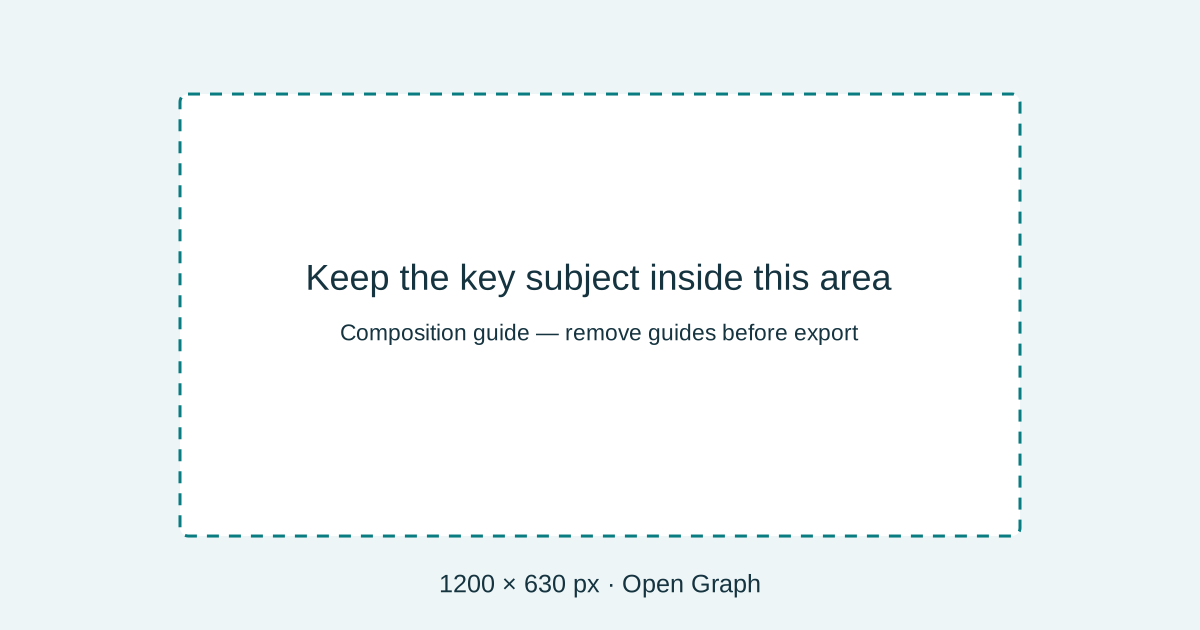
Featured images
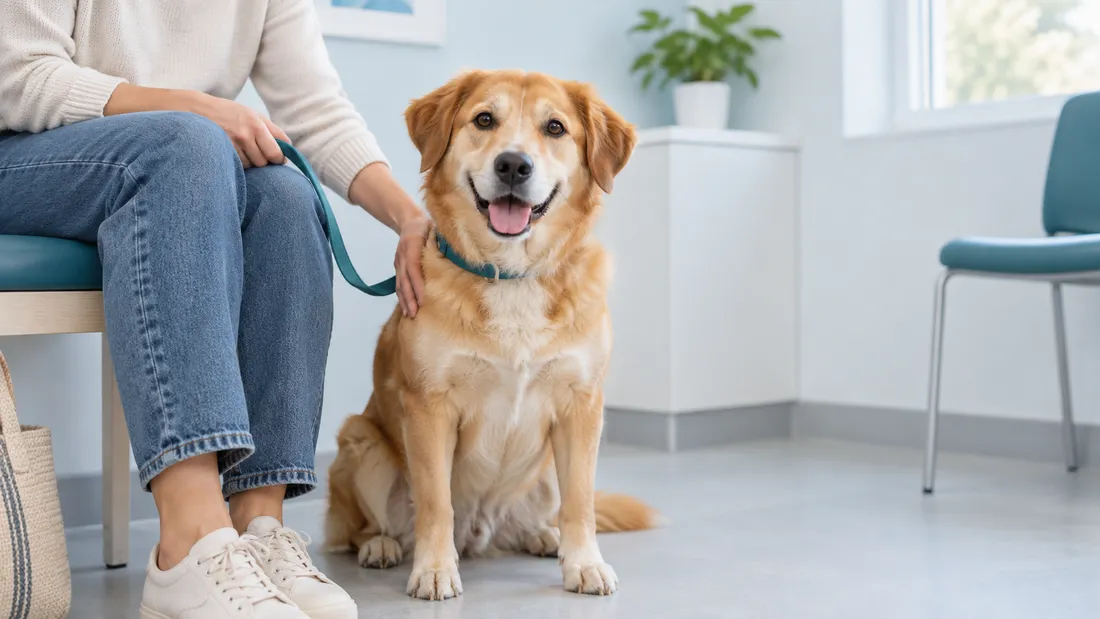
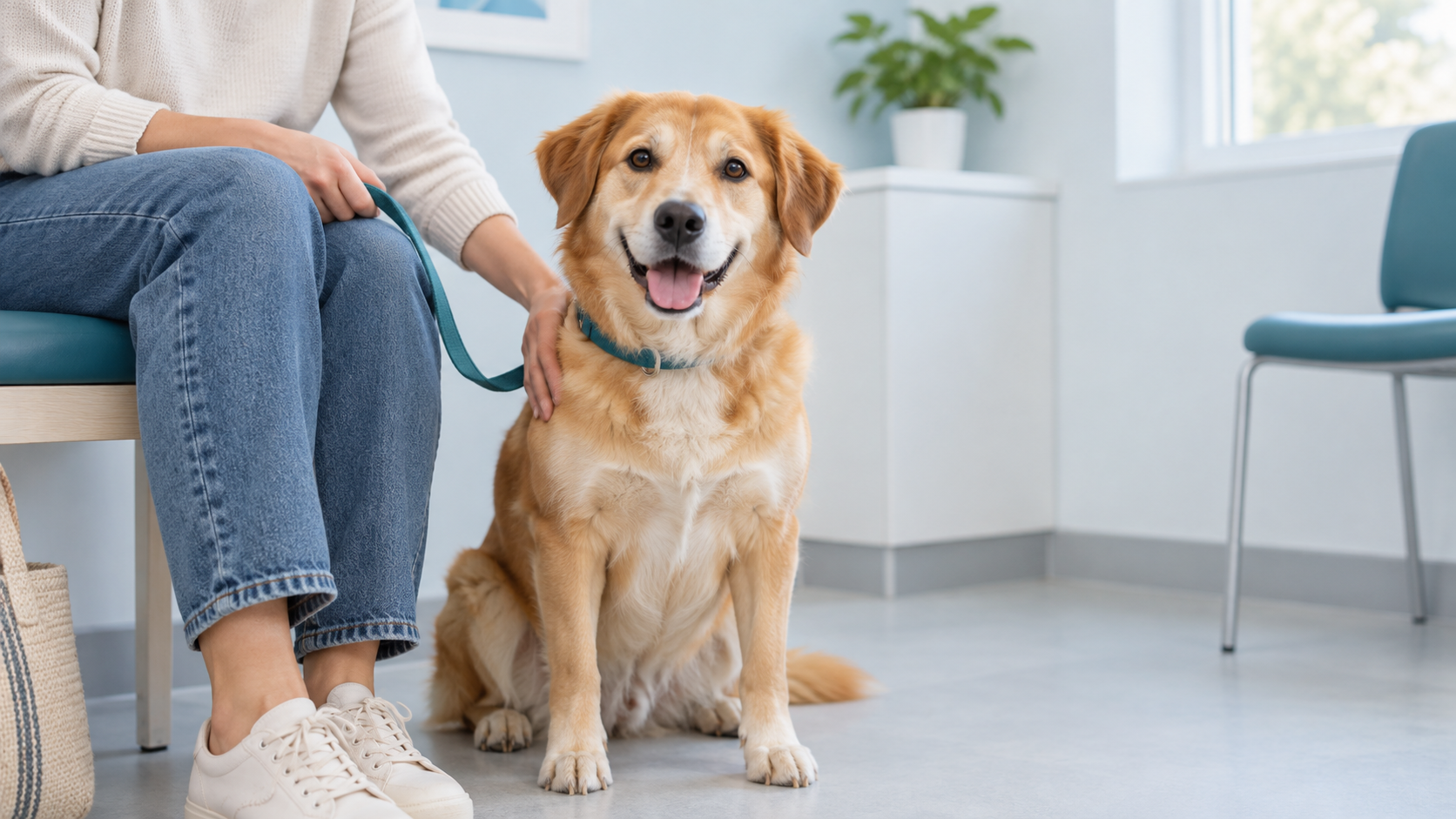
Choose a calm, uncluttered scene that fits the article’s subject. A generated veterinary-visit scene is conceptual artwork, not evidence of a real patient or consultation.
Target a 1600 × 900 master. Keep the essential subject within the central 60% of the width and 70% of the height so card crops remain useful.
The photographic example shows a dog beside a seated person’s legs in a calm setting. Treat it as conceptual artwork and check the asset inventory for its actual dimensions and review status.
Reusable featured-image JSON brief
This is a provider-neutral brief. Paste the compiled prompt or map these fields to the generator you use.
{
  "version": "1.0",
  "id": "dog-vet-visit-feature",
  "style": "editorial_photo",
  "placement": "featured",
  "subject": "A relaxed adult mixed-breed dog sitting beside its owner in a bright, uncluttered veterinary consultation room; no identifiable clinician.",
  "context": "Featured guide about preparing questions for a routine veterinary visit. This is a conceptual editorial scene, not a documented patient case.",
  "composition": "Dog slightly right of center at eye level; a quiet pale wall on the left; no writing on visible surfaces.",
  "must_include": [
    "natural fur texture",
    "relaxed posture"
  ],
  "avoid": [
    "visible brand names",
    "needles",
    "treatment demonstration"
  ],
  "alt_draft": "A dog sitting beside its owner in a veterinary consultation room.",
  "filename": "dog-veterinary-visit-feature",
  "review": {
    "status": "draft",
    "medical_review_required": false
  }
}
Illustrations and topic icons
Use soft illustrations for ideas and restrained line icons for navigation. The three reusable styles are editorial_photo, soft_illustration and line_icon.
Target 1200 × 900 for illustrations, leaving 10% clear at the edges. Target 1024 × 1024 for topic artwork, with the subject inside a centered circle spanning 70% of the canvas.
The evidence illustration uses a dog, a blank sheet and a magnifier. Avoid invented diagnostic data, unsupported energy-wave imagery and review badges. The nutrition bowl brief is a decorative topic icon.


Accessible, efficient images
Write alt text from the image that was actually produced and its purpose on the page. An alt_draft in a generation brief is only a starting point.
Describe useful visual information and avoid unnecessary repetition of nearby text or added keywords. Decorative raster images use empty alt text; decorative SVGs are hidden from assistive technology.
Provide actual width and height, review mobile crops and compress for the placement. Working budgets are 180KB for a feature, 80KB for a card and 25KB for a topic image; sharpness and measured performance still need review.
Serve responsive sizes with modern formats and a supported fallback where useful. Load the main image visible on arrival promptly; reserve lazy loading for images farther down the page.
A tan dog sitting beside its owner in a bright consultation room.
Describe the visible scene. Avoid adding diagnoses, endorsements or search keywords.Downloads and reusable briefs
Use the asset inventory to choose a file by format, dimensions and review status. Input briefs and compiled prompts are different handoff files.
Choose a style and placement, describe the subject and context, record required elements and exclusions, then generate in your preferred tool. Inspect the result, crop it for the page and finalize its alt text and approval record.
The JSON is provider-neutral. Paste a compiled prompt or map fields through a provider-specific adapter; the files are not native Higgsfield API requests. The three reusable input examples retain their own draft status. The produced artwork and the home-social-share brief have separate asset review records.
Provenance and appropriate use
Keep the source, prompt version, provider and model when used, final alt text and approval record with each published asset.
Use generated scenes as labeled conceptual imagery. Do not portray them as real contributors, documented patients or proof of a clinical outcome.
This kit does not grant blanket rights to third-party photographs or establish trademark clearance. Contributor portraits sourced through external biographies are not unrestricted reusable media. These guidelines apply to Veterinarians.org.